Save Twitter links with the reason you kept them
A recognizable source, with your own thinking beside it.

A saved link preserves a destination. A useful research note preserves the thought that sent us there.
We built link previews into Phrase so a source can sit beside the question, observation, or next step it belongs to. Paste a supported web URL on its own and the editor creates a link block. That includes supported Twitter links. The fetched preview makes the source recognizable without replacing the words we want to write about it.
One subject, two sources
For this sample note, we collected a NASA post and a related article about Earth observation. One is a short entry point; the other gives us more to read. Keeping them together makes the relationship visible when we return to the note.
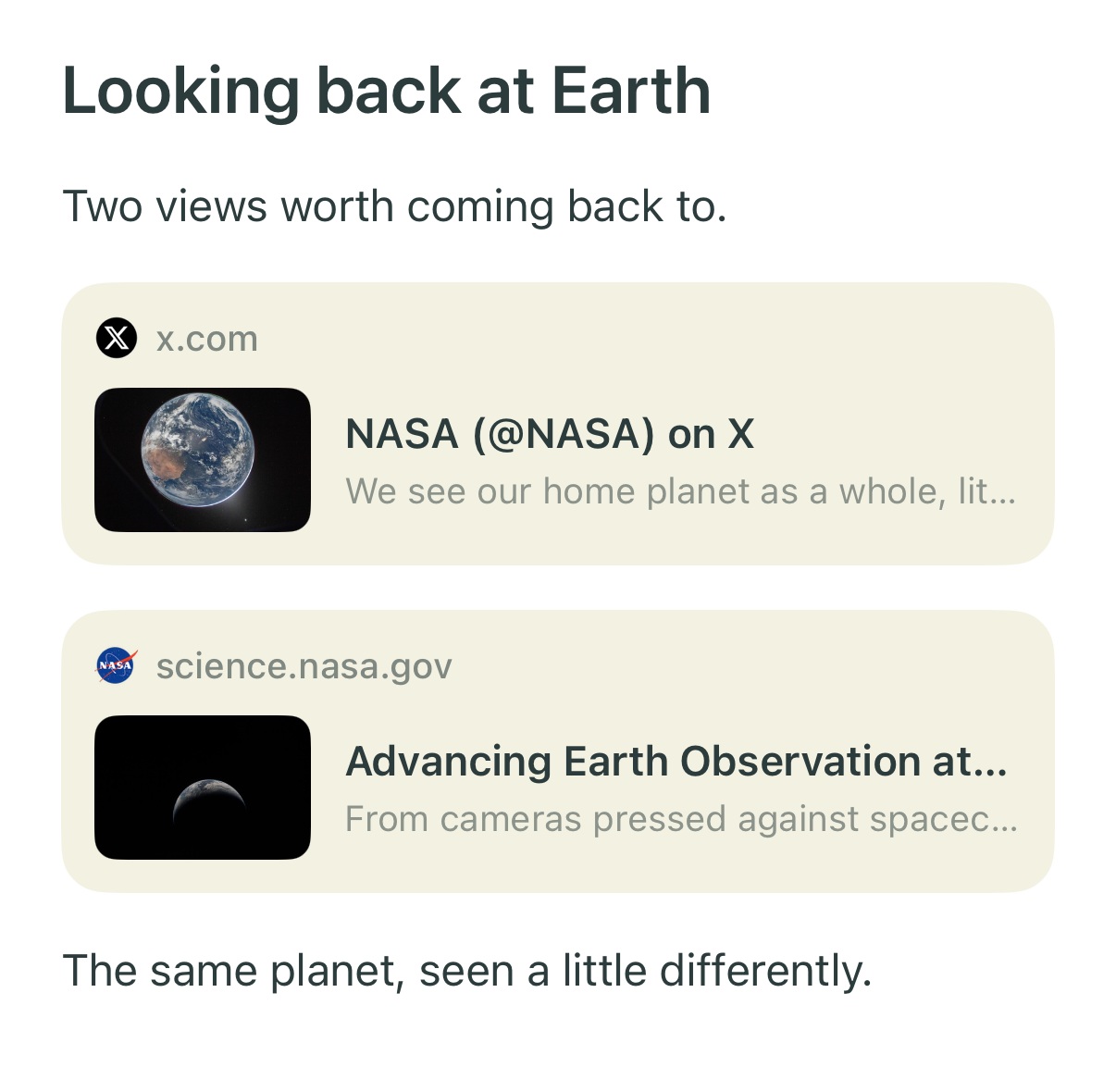
Actual native editor capture from the iOS Simulator. Previews for NASA's Twitter post and Earth observation article. Preview imagery: NASA.
The cards make the sources recognizable. The surrounding note can record what connects them, what still needs checking, and what we plan to use them for.
For example, a note about changes in Earth photography could keep a question above the sources: “What can we learn from one image, and what needs repeated observations?” A sentence below them can record what to look for next.
Paste the URL by itself
The distinction between a URL and a paragraph matters. We recognize a supported URL pasted on its own as a source block. A sentence containing a link is still writing; it should not unexpectedly become a card.
To build a similar note in Phrase:
- Give the note a subject or a question worth returning to.
- Copy the source URL and paste it on its own where the reference belongs.
- Add a short paragraph explaining why you saved it.
- Add a checklist item if the source leaves you with something to do.
The preview uses metadata available from the source. We keep the original URL attached so the reference leads back to the full post or article when we need to read further.
Put the source where it supports the note
A reference list at the bottom works for some notes. In others, the source belongs directly below the claim or question that needs it.
Phrase gives sources their own blocks, so we can change their position as the note takes shape. The surrounding paragraphs, headings, and checklists stay editable. Our selection and drag gestures let us gather complete blocks or move an item into a better place.
When the research includes a calculation or a process, we can keep math and Mermaid diagrams in the same document. The note can hold the explanation, the visual, and the reference that supports them.
Give the next visit somewhere to start
We want the next visit to begin with the subject of the note and the reason its sources belong together. A preview identifies the reference; the surrounding writing preserves its purpose.
Try Phrase for iPhone with one source you expect to revisit. Paste the link, then add the question you want it to help answer.